![[low]07-1376-Wide](https://pauseonline.s3.eu-west-2.amazonaws.com/wp-content/uploads/2026/03/low07-1376-Wide-600x403.jpg)
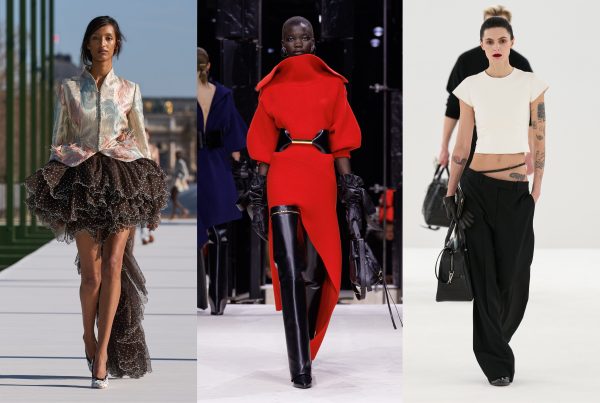
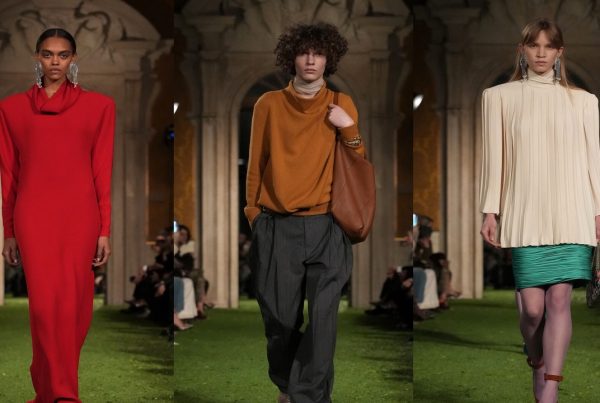
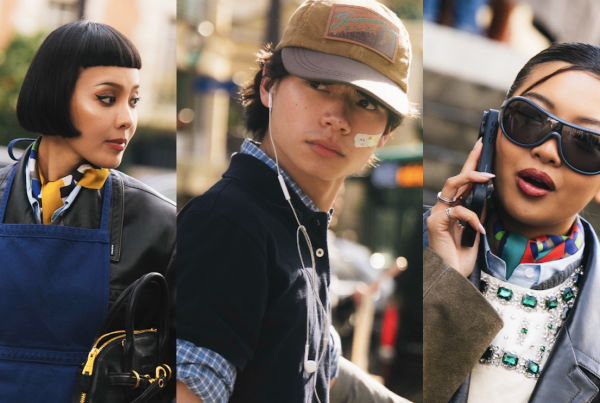

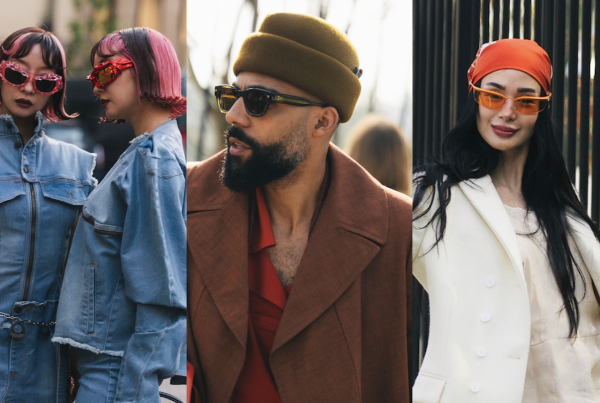
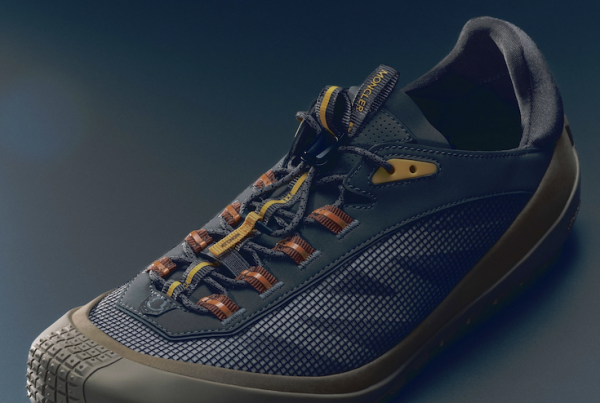
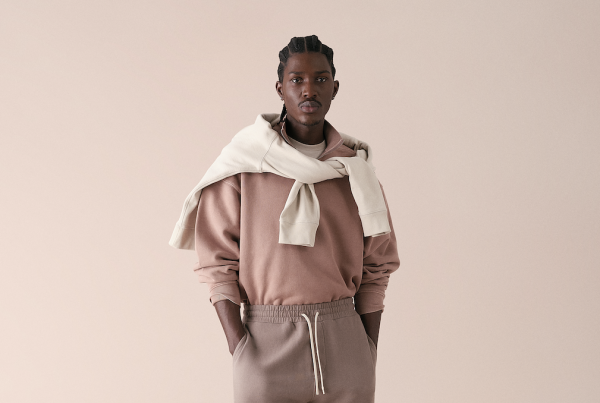
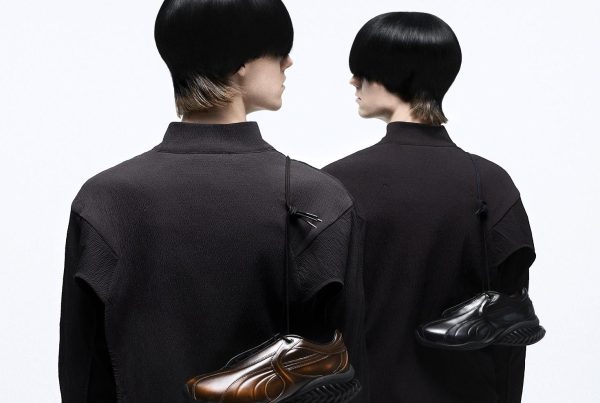
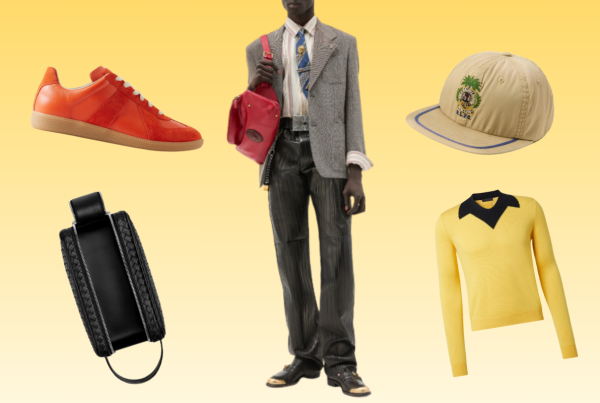
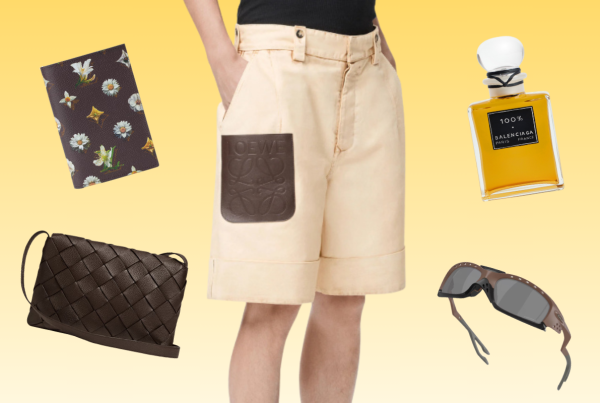

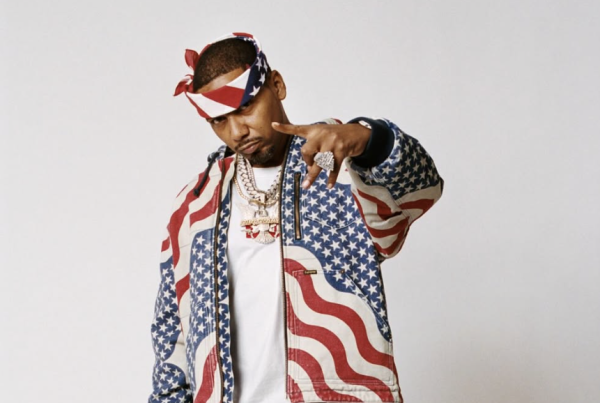
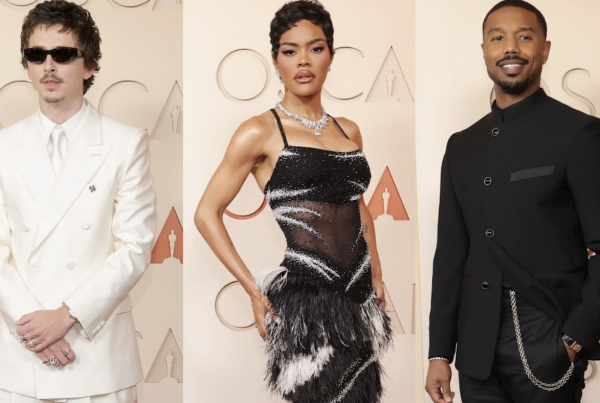

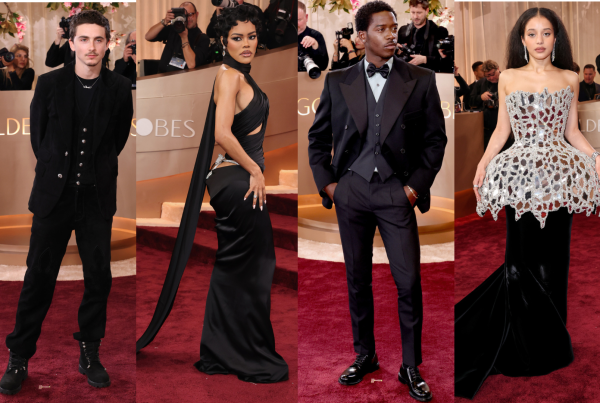



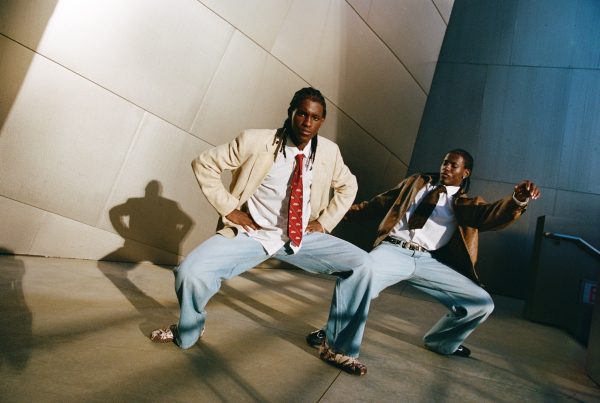
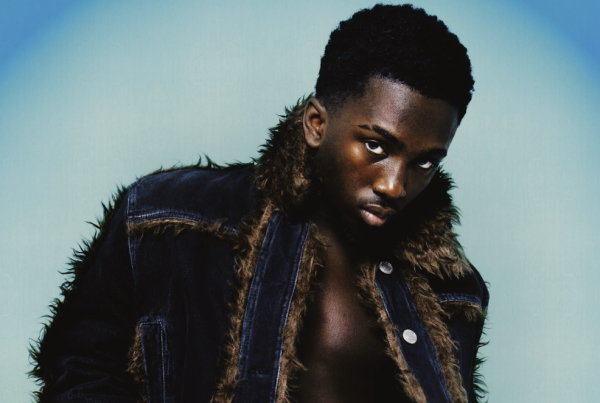
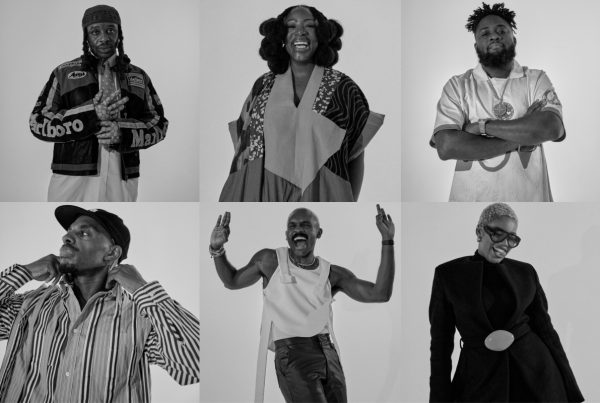
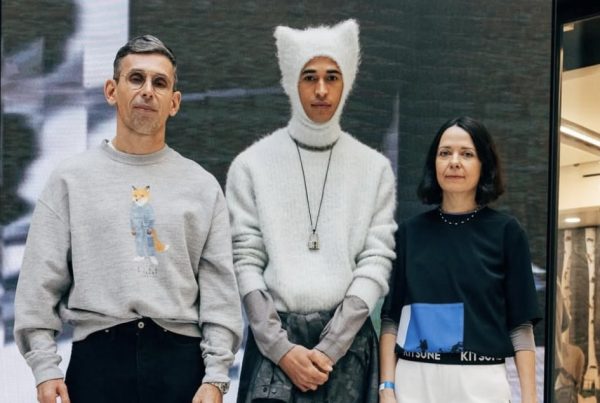











 Fashion imagery rarely stays small for long. A photo snapped on the street can move from Instagram to a brand proposal, from a digital feature to a printed page. Many fashion bloggers and street style photographers still rely on mobile retouching for everyday edits, and for good reason. Apps like Facetune are quick, familiar, and easy to use between shoots or on the train home.
That convenience, however, starts to work against creators once the work becomes more serious. When images are expected to hold up on larger screens, in editorial layouts, or in print, mobile tools begin to feel restrictive. This is often the point where creators start looking for a Facetune alternative that works on a desktop and offers more control without sacrificing efficiency.
The shift from phone to computer is not about abandoning speed. It is about gaining precision.
When Fashion Content Outgrows the Phone Screen
Mobile retouching is designed for immediacy. Small screens hide imperfections. Presets deliver instant impact. This suits casual content and fast publishing cycles. Problems surface when those same images are viewed at scale.
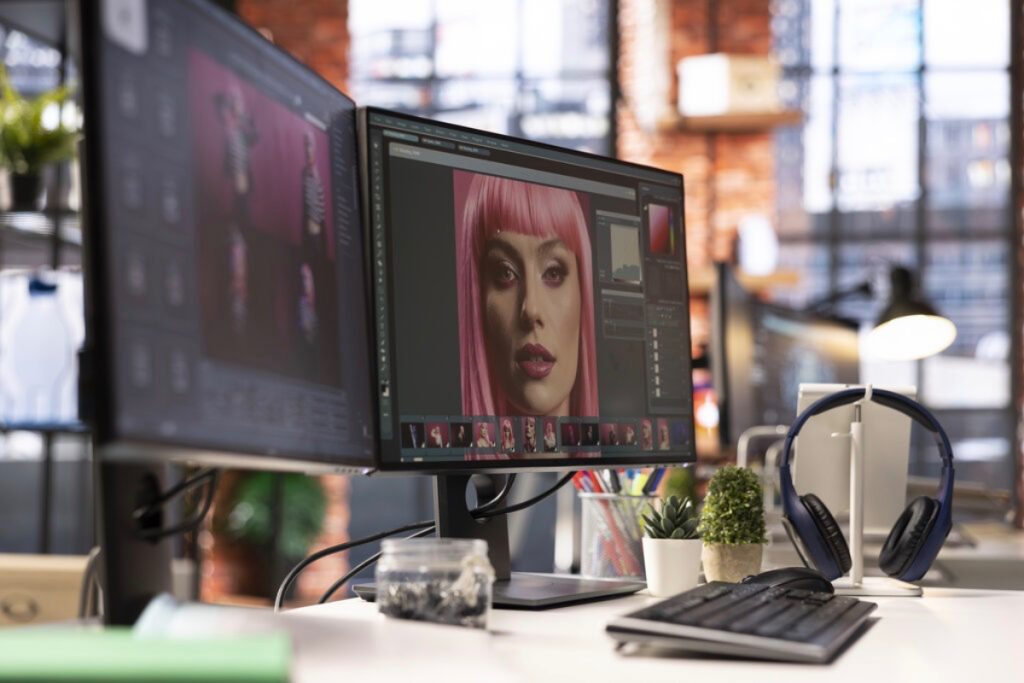
On a laptop or desktop monitor, details become harder to ignore. Skin can look waxy. Fabric loses texture. Straight lines bend in ways that were invisible on a phone. What once felt polished starts to look rushed.
Fashion photography depends on nuance. The weight of a coat, the cut of trousers, the way light falls across a face. These details need space and resolution to be handled properly. Desktop software offers both.
Seeing the Image Properly Changes How It Is Edited
A larger screen does more than show flaws. It changes judgement. Retouching decisions become more deliberate. Adjustments feel measured rather than instinctive.
Portrait work benefits the most. Skin retouching on a desktop allows gradual correction instead of heavy smoothing. Texture remains intact. Expression stays human. Shadows and highlights can be balanced without flattening the face.
This matters for fashion creators whose work sits between lifestyle and editorial. The goal is not perfection, but credibility. Desktop tools make that balance easier to achieve.
Consistency Matters More Than Speed
Fashion content is rarely a single image. A street style shoot might produce dozens of frames. A brand collaboration may require a full set with the same mood and colour treatment.
Mobile apps treat each photo as a standalone piece. Repeating edits manually invites inconsistency. Slight changes in tone or exposure weaken the overall look.
Desktop workflows solve this quietly. Edits can be applied across a series. Light, colour, and contrast stay aligned. The result feels intentional rather than assembled.
For bloggers and influencers working with brands or publications, this consistency signals professionalism. It makes content easier to publish and easier to trust.
Skin, Makeup, and Realism
One of the clearest reasons creators move away from mobile retouching is skin work. Automated tools often smooth too much and too quickly. Pores disappear. Faces lose depth.
Desktop retouching allows selective correction. Temporary blemishes can be removed without touching the natural texture. Under-eye shadows can be softened without erasing character. Makeup can be refined, not replaced.
This level of control respects the work of makeup artists and stylists. It also respects the subject. In fashion, realism carries more weight than perfection.
Body Proportions and Clean Lines
Perspective issues are common in street style photography. Shooting from low angles or crowded locations introduces distortion. Correcting this on a phone is risky. One wrong swipe can warp the entire frame.
Desktop tools offer subtle transformation controls. Vertical lines can be straightened. Proportions adjusted gently. Clothing can be aligned without bending the body or background.
This restraint is important. Ethical retouching has become part of a creator’s reputation. Desktop software supports correction without exaggeration.
Fabric, Light, and Texture
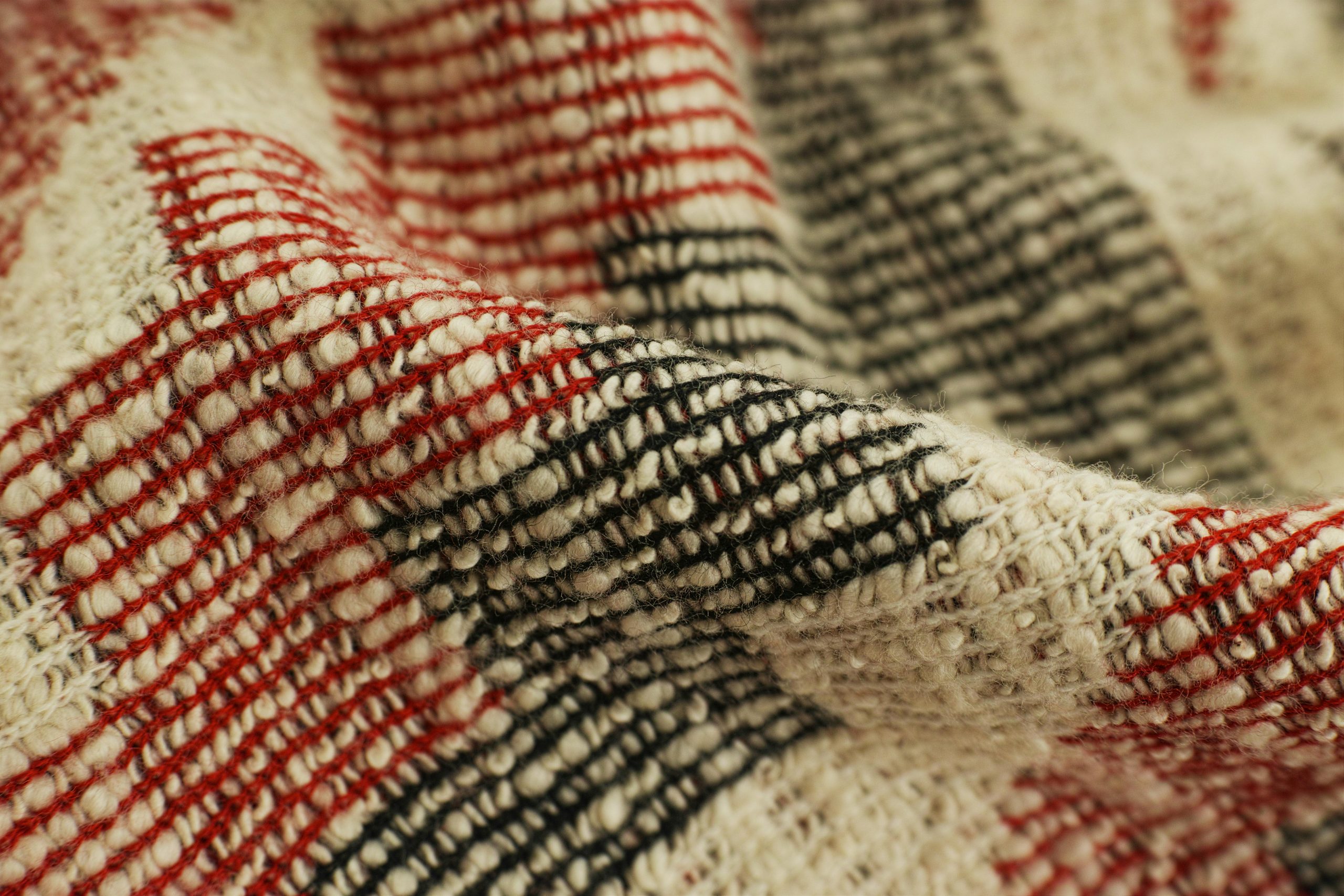
Clothing reacts to light in complex ways. Leather reflects sharply. Knit absorbs shadows. Silk highlights every fold. Mobile apps tend to simplify these interactions.
On a desktop, light adjustments can be targeted. Highlights can be reduced without dulling the image. Shadows can be lifted while keeping depth. Texture stays visible.
Colour work also becomes more refined. Subtle grading creates a mood without overpowering the outfit. This is especially valuable for editorial-style content and fashion features.
Working Like a Professional Means Thinking Long Term
Desktop editing supports organisation. Shoots can be archived properly. Edits remain non-destructive. Images can be revisited and refined later.
This matters as content libraries grow. Many creators reuse images for portfolios, press kits, or retrospectives. Desktop workflows make this practical.
Export control is another advantage. Images can be prepared specifically for web, print, or social platforms. Quality stays consistent across formats.
Knowing When to Make the Switch
Not every fashion blogger needs desktop retouching immediately. The transition usually happens naturally. It follows growth.
Signs include brand collaborations, editorial submissions, paid campaigns, or plans for print. It also appears when visual identity becomes central to a creator’s work.
Mobile editing still has its place. Phones remain useful for quick previews and fast posts. Desktop retouching serves a different purpose. It supports intention.
A Quiet but Important Step Forward
Moving from mobile apps to desktop photo processing is not about complexity. It is about control. Fashion content becomes more deliberate, more consistent, and more credible.
For bloggers, influencers, and street style photographers ready to refine their work, desktop retouching offers room to grow. It allows images to hold their own, whatever the format.
In fashion media, details do the talking. Desktop tools ensure those details are handled with care.