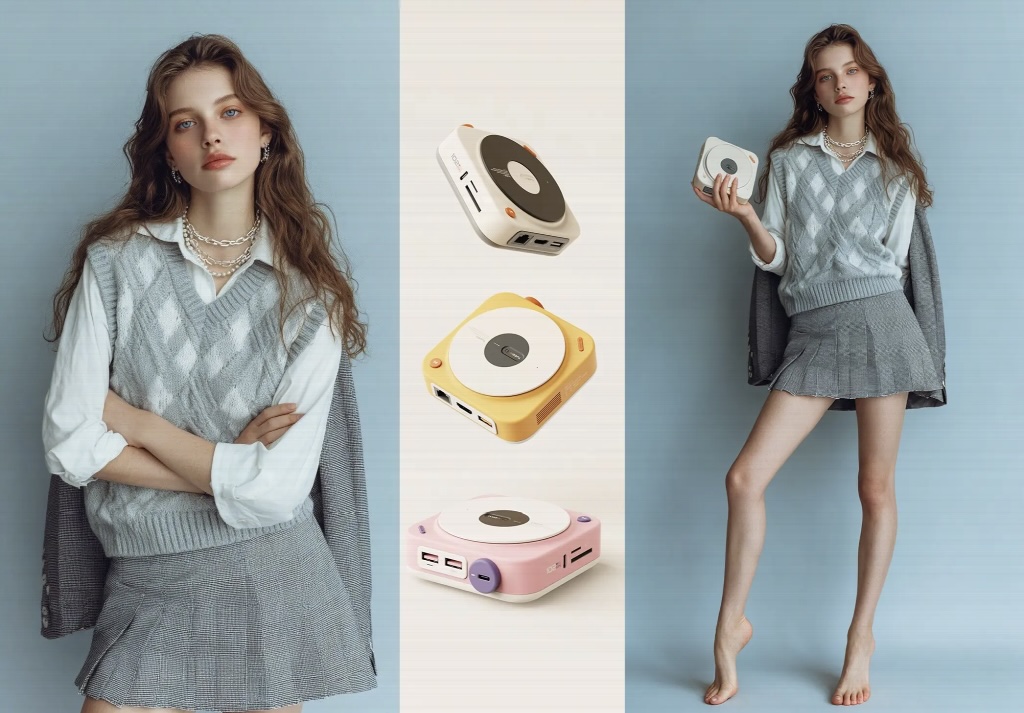
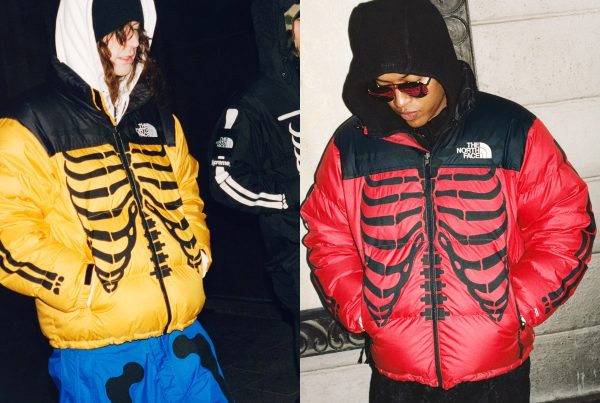
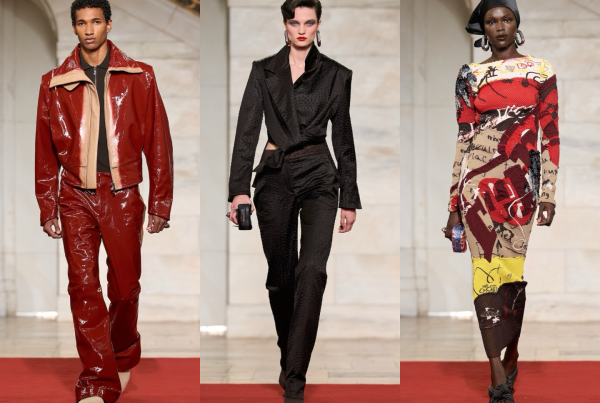
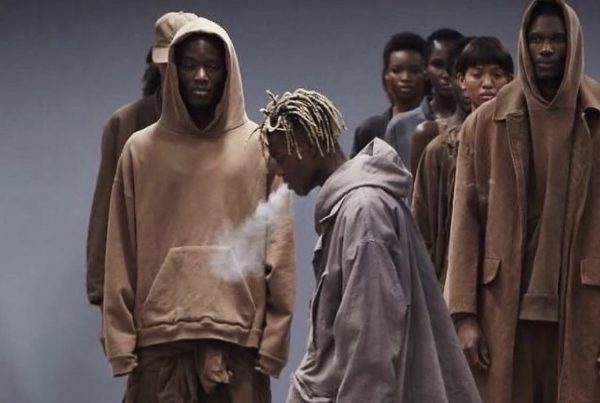
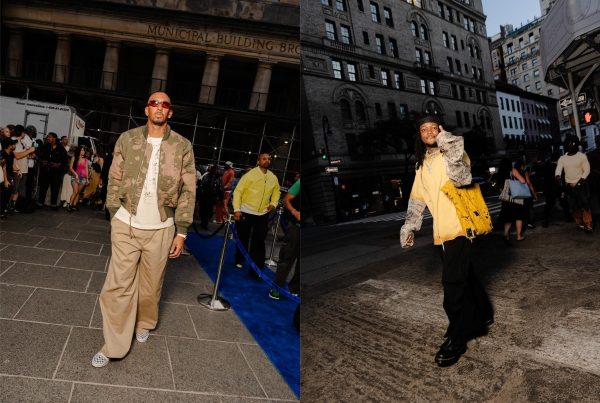
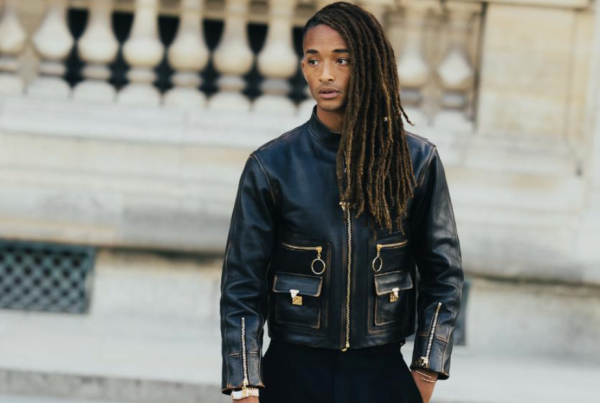
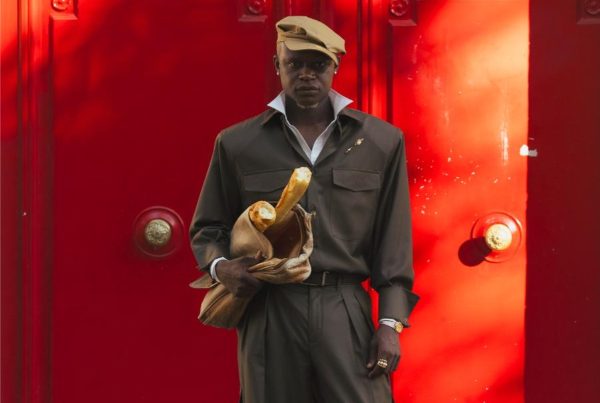
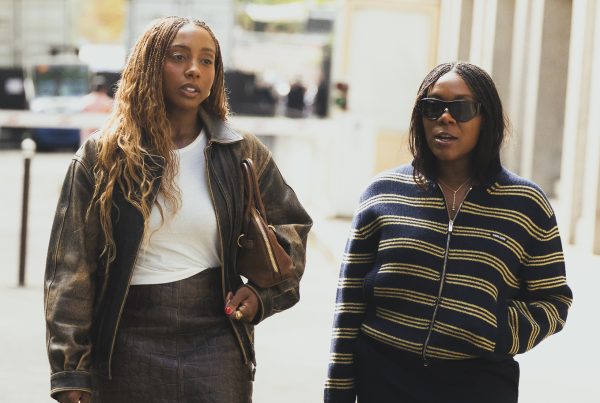
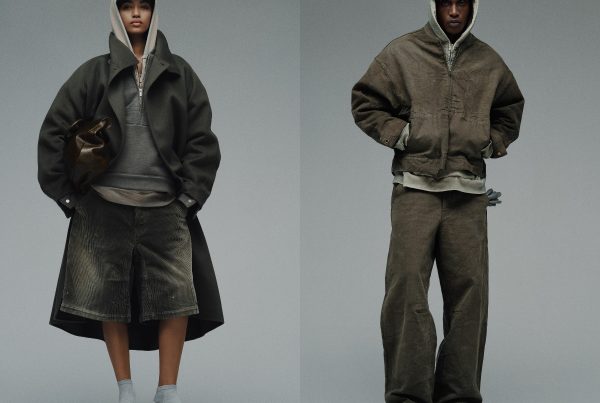
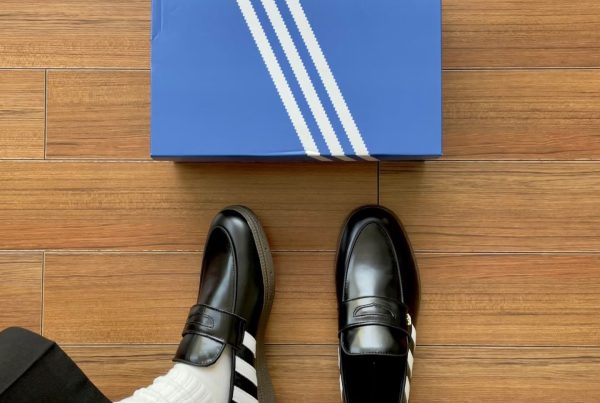
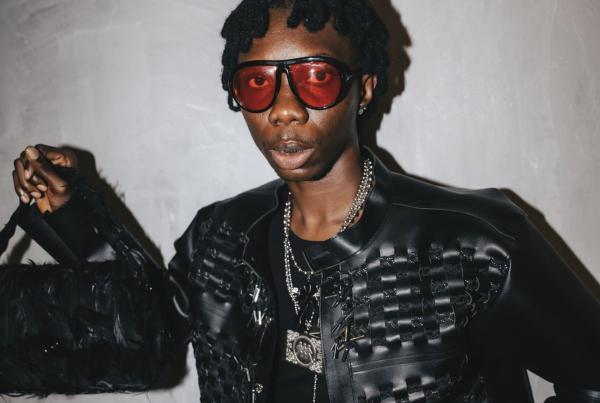
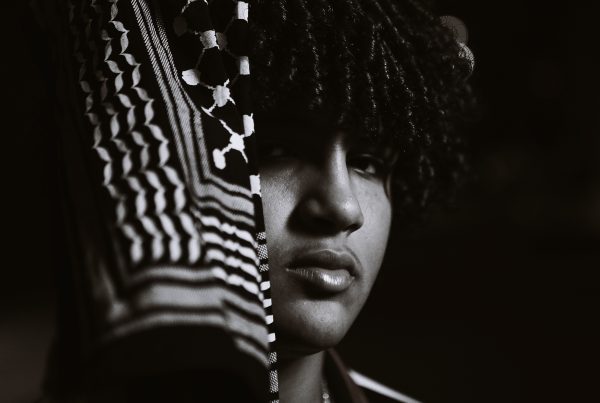
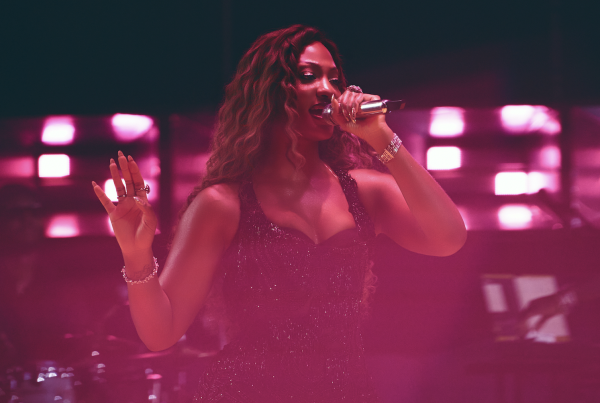









 A runway show lasts about fifteen minutes, but its pictures have to work for months. Long after the last model has left the catwalk, the same images are cropped for Instagram, squeezed into email banners and stretched across shop window screens. A small label in Manchester might shoot one collection in a single grey afternoon and then need forty different visuals from it before the season is out. That gap between one shoot and endless content is where AI photo filters have quietly found a home.
These tools don’t replace photographers, stylists or art directors. What they offer is a faster way to explore a look once the original image exists. Designers searching for a free ai filter online are usually after something practical: a way to test a warmer palette, a moodier background or an illustrated treatment without booking another studio day. CapCut’s AI Filter is one of the tools that fits this need, since it can restyle portraits, products and scenes while keeping the main subject recognisable. For a team working against a launch date, that sort of flexibility is worth a great deal.
From Catwalk to Phone Screen
Fashion has always lived on images, but the place those images live has changed. A decade or two ago, a campaign might appear in a handful of glossy magazines and on a few billboards. Today, a single jacket can appear in a vertical story, a square grid post, a product page and a short video, often within the same week. A junior social media manager at a London boutique might be asked for three fresh versions of the same photo before her first coffee. The demand is relentless, and the budget rarely grows to match it.
That pressure has changed how brands think about photography. Instead of treating every shoot as a finished product, many teams now see it as raw material. The original image becomes a starting point that can be graded, relit, restyled or turned into artwork as each channel requires. A creative director once described it as cooking from one good set of ingredients rather than shopping for every meal. The comparison holds up rather well.
What AI Photo Filters Actually Do
At their simplest, AI filters change the way an image looks without changing what it shows. They can shift colour grading, adjust lighting and alter the mood of a background, either from a ready-made style or from a description written in plain language. A stylist might ask for “late summer light, soft shadows, sand-coloured palette” and see a beach-ready version of a studio shot within moments. Nobody has to wait for the weather to cooperate.
Colour and Lighting
Colour carries a great deal of weight in fashion. A knitwear brand launching an autumn range may want every image to feel like a crisp October morning, while a swimwear label wants the warmth of a late afternoon in Mallorca. AI filters can push an existing photo towards either feeling, which helps a collection look consistent across dozens of posts. Consistency is often what separates a polished feed from a scrapbook.
Artistic and Illustrated Styles
Some of the most eye-catching uses go well beyond grading. CapCut’s tool, for instance, lists looks such as watercolour, comic illustration, oil painting, neon poster, paper-cut and anime-inspired treatments, all built from the same source image. A streetwear brand teasing a drop might turn its hero shot into a bold comic panel for a story, then keep the clean photograph for the product page. Followers who scroll past ten ordinary photos may well stop for the one that looks hand-drawn.
Keeping the Product True
There is a catch, though. Fashion imagery has to stay honest about the garment itself, because a customer who buys a navy coat expects a navy coat to arrive. Good AI filters are designed to keep the product’s shape, logo area and key brand colours clear while the setting around it changes. A handbag designer can place her bag in a dreamy painted scene and still trust that the stitching and hardware look as they do in real life. Returns are expensive, and so is lost trust.
How Brands Are Using Them Day to Day
The most common use is simple variety. One strong photograph can become a warm version for a summer newsletter, a cooler cut for a winter teaser and a stylised artwork for a pop-up event poster. A family-run shoe shop in Leeds might stretch a single product shoot across a whole season of posts in this way. It’s not glamorous, but it keeps the feed alive.
Testing Creative Directions
AI filters are also handy before any money is spent. A brand planning a new campaign can try several moods on existing images to see which direction feels right, then brief the photographer with a clearer picture in mind. A design team arguing over “romantic” versus “industrial” can settle the debate in an hour by looking at real examples side by side. Meetings tend to be shorter when the pictures do the talking.
Mood Boards and Thumbnails
Mood boards have moved from cork walls to shared screens, and filters help fill them quickly. A freelance stylist pitching to a new client might restyle a handful of reference shots so the whole board shares one tone. The same approach works for video thumbnails and campaign visuals, where a single striking image has to earn a click in a crowded feed. A good thumbnail is often the hardest-working picture a brand owns.
Working with Faces and Models
Fashion photography almost always involves people, and that calls for extra care. AI filters can adjust makeup, lighting, accessories and artistic styling while preserving the features that make a person recognisable, such as face shape, hairstyle, skin tone and expression. A beauty brand might show a model with a bold editorial look and a soft everyday look from the same portrait. The model still looks like herself, which matters to her as much as to the audience.
Respect has to remain central to this work. Models agree to particular uses of their image, and contracts increasingly spell out whether AI edits are allowed. A thoughtful brand checks those terms before changing a face in any way and avoids edits that alter body shape or skin tone in misleading ways. Audiences notice when something feels off, and they’re quick to say so.
A Sensible Workflow for Fashion Teams
Most teams find that small, steady changes work best. The guidance on CapCut’s AI Filter page suggests describing the subject, the style, the atmosphere and the palette, while also naming the details that must stay unchanged. Changing one instruction at a time and comparing each result with the previous version keeps the process under control. A content assistant at a Bristol label might keep a short notes file of the prompts that worked, rather like a recipe book. It saves a lot of guesswork the following week.
Keeping the original image is equally important. A clean, unfiltered file is needed for product pages, press requests and future edits, and it gives the team something to return to if a filtered version goes too far. A photographer who has spent hours getting the light right will be glad to know the original survives intact. Nobody likes seeing their best work disappear under an experiment.
Checking the Rules on Commercial Use
Licensing deserves attention before any filtered image appears in an advert. CapCut’s own FAQ notes that commercial use depends on the service’s current licence and usage terms, and it advises checking the rules for both the generated image and the original upload. A brand manager preparing a paid campaign might spend twenty minutes reading those terms before signing off. It’s dull work, but it beats an awkward email from a legal department.
Where the Limits Lie
AI filters aren’t magic, and fashion teams soon learn where they struggle. Fine fabric textures such as lace or tweed can blur, and complicated patterns sometimes shift in ways that look slightly wrong on closer inspection. A designer zooming in on a houndstooth jacket might spot a few checks that no longer line up. The machine can create the mood. Only a trained eye can confirm the garment still looks right.
Taste remains a human job as well. A filter can make an image dramatic, dreamy or playful, but it can’t decide whether that mood suits a brand’s identity or its customers. A heritage tailor and a teenage streetwear label might use the same tool and reach completely different conclusions about what looks good. That’s exactly how it ought to be.
Honesty with the Audience
Transparency is becoming part of good practice. When an image has been heavily stylised or placed in a scene that never existed, a short note in the caption can keep customers comfortable. A sustainable fashion brand that already prides itself on openness might add “styled with AI” beneath its illustrated posts without any fuss. A simple line costs nothing. Losing an audience’s trust costs a great deal.
Clear boundaries also protect the work of real photographers and illustrators. Many brands now use filters for social content and early concepts while still commissioning artists for headline campaigns. A fashion week organiser might use AI treatments for quick daily recaps while hiring an illustrator for the official programme. Both kinds of work can sit side by side quite happily.
Final Thoughts
AI photo filters have become a practical bridge between the runway and the feed. They help fashion brands stretch one good shoot across many channels, test ideas before spending money and keep a consistent look through a busy season. Used with care, they protect the product’s true appearance, respect the people in the pictures and leave the final call to human judgement. A collection still begins with a designer, a fabric and an idea. The filter simply helps that idea travel a little further.