

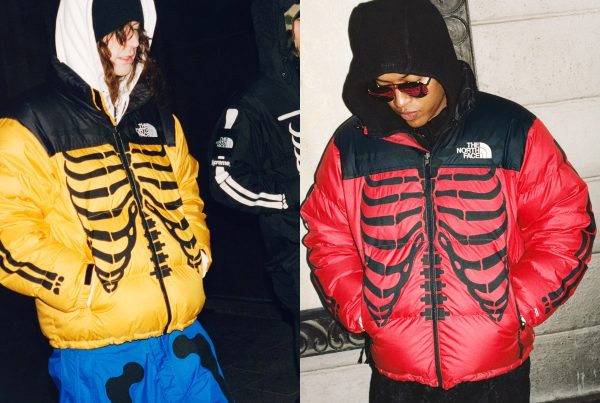
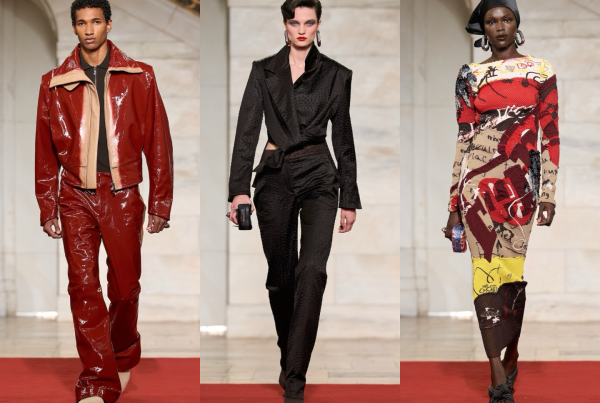

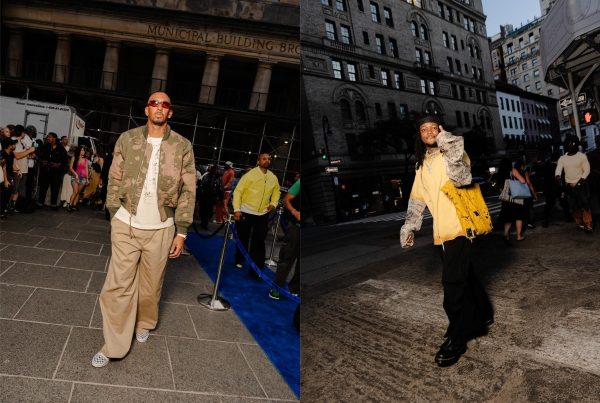























 Street-style photography thrives on real city life. The cobbles, the shop fronts, the café tables and the morning light all give fashion images an energy that a studio rarely matches. The trouble is that real cities are full of real people. A photographer shooting a model in a camel coat outside a Paris bakery might capture the perfect stride, only to find a delivery driver with a trolley wandering straight through the background. It happens on almost every shoot. Removing those passers-by used to mean hours of careful retouching, but AI tools have made the job far quicker and much less painful.
Why Passers-By Are Such a Common Problem
Busy streets don’t stop for a photo shoot. Commuters, tourists, cyclists and shop staff all move through the frame, often at exactly the wrong moment. A stylist in London might wait twenty minutes on a Soho corner for a clear gap in foot traffic, only for a tour group to appear the second the model starts walking. Patience only goes so far. Closing a street is rarely possible for small teams, so learning to clean up backgrounds after the shoot has become an essential skill.
How AI Removal Tools Work
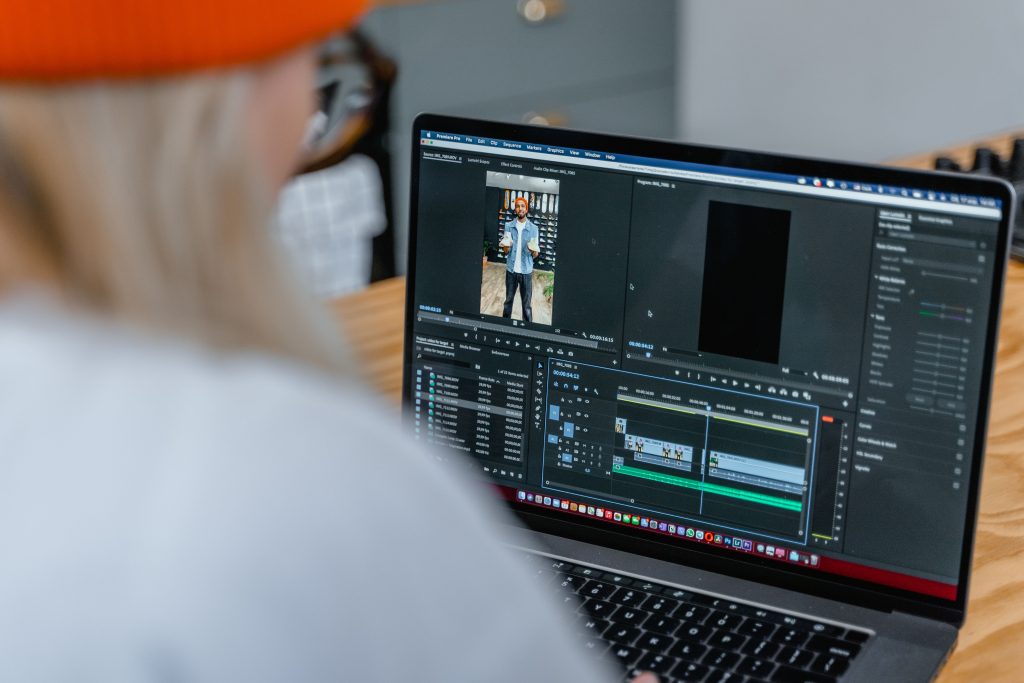
AI removal tools take a lot of the hard graft out of retouching. Instead of cloning patches of pavement by hand, the photographer marks the unwanted person and lets the software rebuild what was behind them. One of the recommended options is CapCut’s remove person from photo tool, which, according to its page, offers brush, lasso and smart selection controls to mark the full subject, including clothing, hair, bags and shadows. After removal, CapCut says the tool can reconstruct nearby textures and patterns, continuing surfaces such as a wall, floor, road, sky or grass. A freelance photographer editing a Milan shoot on the train home could clear a cluttered background before reaching the station. That kind of speed changes a whole workflow.
A Simple Step-by-Step Process
The process is pleasingly straightforward. CapCut’s page describes uploading the photo, selecting the person, checking the selection, applying the AI removal and then inspecting the result. If clothing, shadows or background details remain, the selection can be refined and the removal tried again. A fashion student working on a portfolio might go through these steps several times for one tricky image. Each pass usually gets closer to a clean result. The key is treating it as a careful edit rather than a single click.
Selecting the Whole Person
Selection is where most results succeed or fail. A passer-by isn’t just a body; they bring a bag, a trailing scarf, a dog lead and often a long shadow across the pavement. CapCut’s page specifically mentions marking clothing, hair, bags and shadows, which is exactly where many edits go wrong. A photographer who forgets the shadow of a cyclist might find a ghostly dark shape left behind on the cobbles. Small details give an edit away. A complete selection saves a lot of frustration later.
Protecting the Model
Overlaps need extra care. When a passer-by stands close to the model, it’s easy to accidentally catch part of a sleeve, a handbag or the edge of a shoe in the selection. CapCut’s page advises selecting only the unwanted subject and reviewing the mask before applying the removal. A designer shooting a new handbag collection would be horrified to see part of the bag vanish along with a stranger’s elbow. That’s a costly mistake. Zooming in and checking the edges is always time well spent.
Backgrounds That Behave and Backgrounds That Don’t
Some backgrounds are much easier than others. Plain walls, open sky, smooth pavements and grass tend to rebuild convincingly, while patterned surfaces can trip the software up. CapCut’s page notes that lines, tiles, railings, text and repeated patterns may need a second focused pass. A shoot in front of a tiled Lisbon façade might leave a few wobbly lines where a passer-by once stood. A careful second attempt usually fixes it. Choosing simpler backdrops on busy days can also save a lot of editing time.
Working in Smaller Passes
Complex scenes reward patience. Rather than removing a whole crowd at once, many retouchers clear one person at a time, checking the result after each step. CapCut’s page suggests working in smaller passes for complex scenes and mentions that multiple people can be removed one at a time or as a group, depending on the scene. A photographer cleaning up a busy Covent Garden shot might tackle the closest figures first and leave distant ones for last. The image stays under control throughout. Rushing tends to create blurry patches that are harder to fix.
Planning the Shoot to Reduce Editing
Good planning still beats any software. Shooting early in the morning, choosing quieter side streets and using a longer lens to compress the background can all reduce the number of people in frame. A team shooting a winter campaign in Copenhagen might arrive at seven, when the streets are almost empty and the light is soft. Fewer passers-by means faster editing. It also means more natural results, since AI has less to reconstruct.
Keeping Street Style Authentic
There is a catch, though. Street-style photography is partly about the real atmosphere of a city, and removing every trace of life can make an image feel oddly sterile. A busy market or a lively café terrace often looks better with a few blurred figures in the distance than with completely empty streets. A fashion blogger who erases every person might end up with photos that look like a film set. Atmosphere matters. The goal is usually to remove distractions rather than every sign of the city.
Honesty in Fashion Imagery
Fashion images shape how people see clothes, places and lifestyles. Removing a stray tourist is a very different thing from changing the garment itself or misrepresenting a location. A brand advertising a jacket owes customers an accurate view of the product, even if the background has been tidied. Trust is easy to lose. Keeping edits focused on distractions rather than the product helps keep the imagery honest.
Privacy and Permissions
Street photography often captures strangers. Removing them can actually help with privacy, but uploading client or personal photos to any online tool still deserves thought. CapCut’s page advises reviewing privacy terms before uploading personal or client photos, which is a sensible habit for any professional. A photographer working with a high-profile client might check the terms before uploading unreleased campaign images. Discretion matters in fashion. A few minutes of reading can avoid awkward conversations later.
Free Access and Limits
Cost is often a deciding factor for small teams. CapCut’s FAQ says some tools offer free online access, with limits that may apply to image size, export quality, processing speed or daily usage. A student photographer on a tight budget might find the free tier ample for portfolio work, while a busy studio could need more. Checking the current pricing before a big project is wise. It’s better to know the limits before a deadline than during one.
The Human Eye Still Matters
AI can clear a background, but it can’t decide what makes a photo special. Only the photographer and stylist know whether the image needs the energy of a crowd or the calm of an empty street. A photographer might keep one blurred cyclist in the corner because it adds movement and a sense of place. Some imperfections earn their spot. The machine can remove the person. Only a person can say whether the photo is better without them.
Final Thoughts
Removing passers-by has become one of the most useful tricks in street-style photography. With careful selection, attention to shadows and patterns, and edits made in small passes, AI tools can clean up busy backgrounds while keeping the city’s character intact. Good planning, honest editing and respect for privacy round off the process. That photographer outside the Paris bakery can now keep the perfect stride without the delivery trolley. It’s a small fix that can rescue the best shot of the day.